
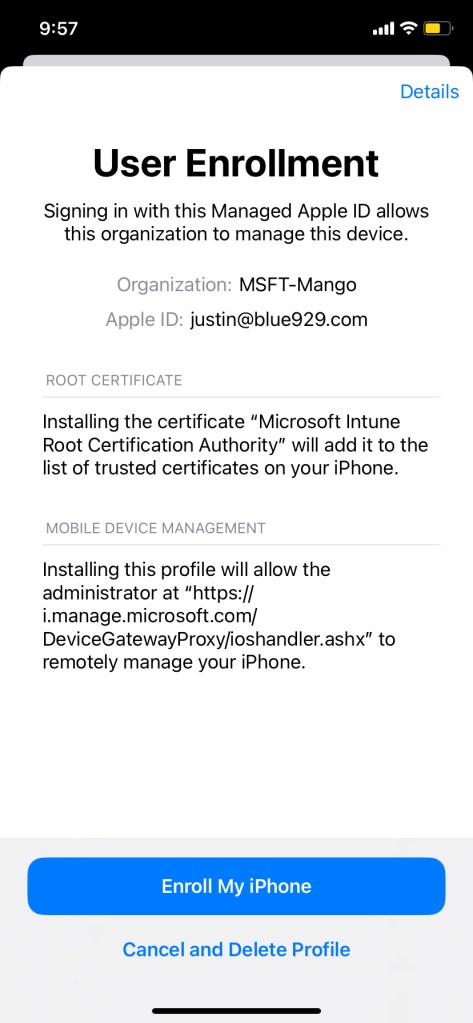
Once Intune and ABM is all configured, it is time to enroll the user using user enrollment.
Prerequisites
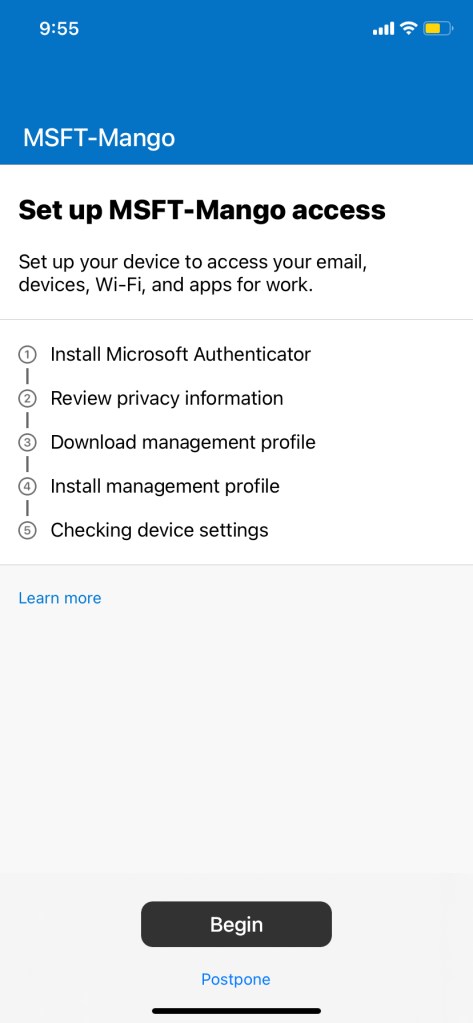
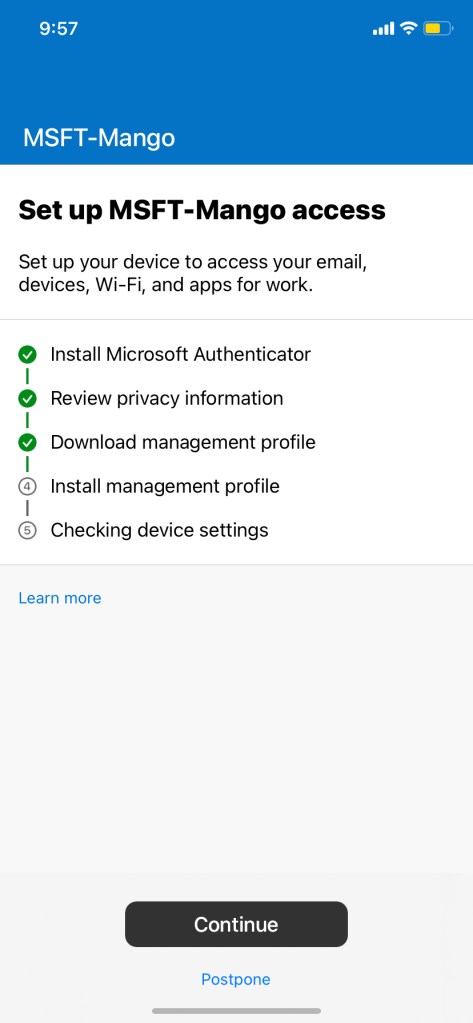
Install company portal and Microsoft Authenticator (Identity broker for user enrollment process)
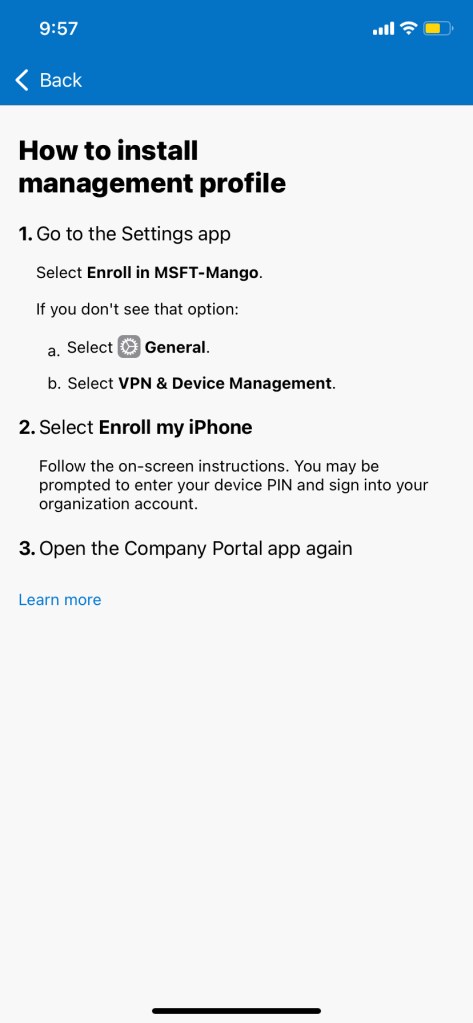
Go through and install the management profile under phone settings
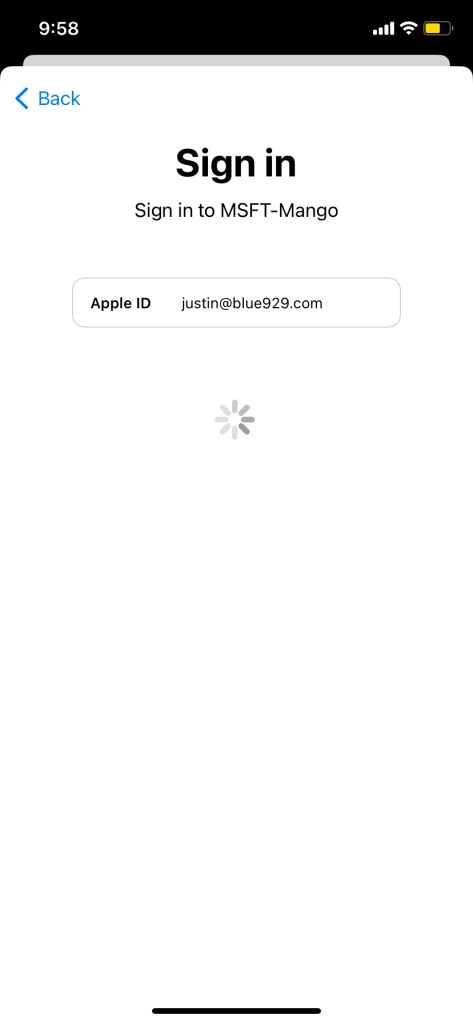

Verify:

Note:

• Default Contacts are set to save in personal device NOT to work profile
• User enrollment creates a work partition on the devices. The features and security you configure in the user enrollment profile only exist in the work partition
• The managed apple ID cannot download apps
• iphone- user enrollment should not have the wipe option
• Remote assistance can be configured for all intune enrolled device with TeamViewer connector
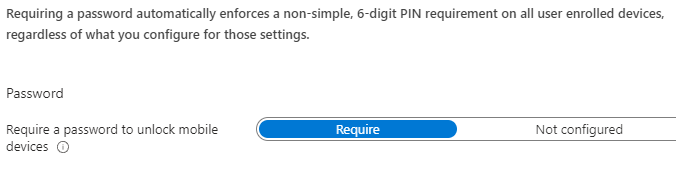
• Passcode needs to be at least 6 numbers for user enrolled devices if custom compliance policy is set to require password to unlock mobile device. This value cannot be modified. If a personal device has pin, they will have to change it.
 Steven’s Knowledge Base