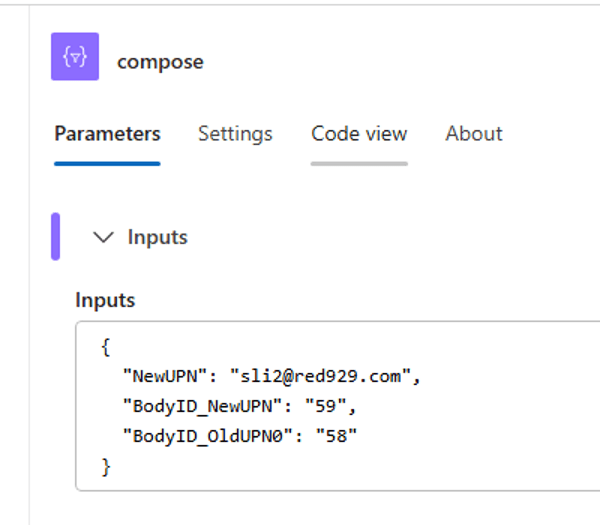
The Compose action in Azure Logic Apps is a specialized “Data Operation” that acts like a temporary scratchpad. It allows you to take various inputs—like text, numbers, or outputs from other steps—and transform them into a single, static output.
Think of it as a way to create a constant or perform a calculation on the fly without the overhead of initializing a variable.
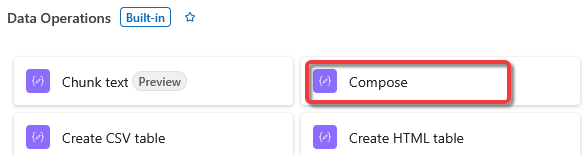
Why Use a Compose Action?

• Data Transformation: It is the best place to use expressions. For example, if you want to convert a date format or combine a "First Name" and "Last Name" field, you do it here.

• Creating Static JSON: You can use it to build a custom JSON object that you plan to pass to another API or use as the body of an HTTP request.

• Debugging: It’s great for testing. You can drop a Compose action anywhere in your flow to "dump" the value of a property and see exactly what it looks like during a run.

• Readable Flows: Instead of putting a long, messy formula directly into an email body or a SharePoint update, you calculate it in a Compose action first and then just select the Outputs token in the next step.
Example
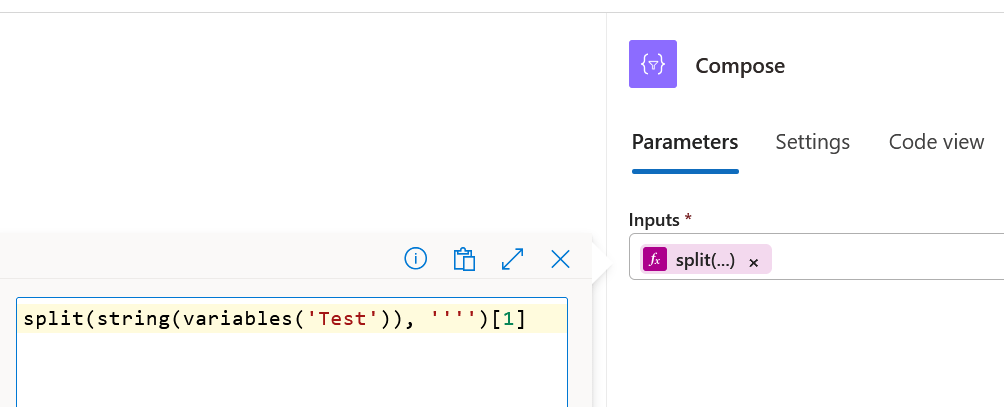
Use compose action to extract a specific string from output by calling the “Split” function.
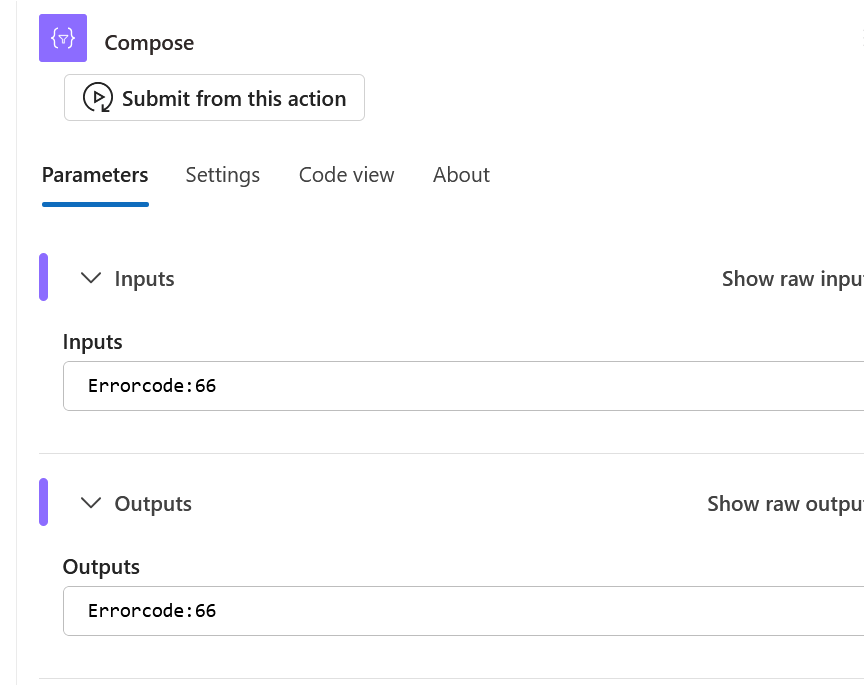
Under the “Test” variable – the goal is to pull the errorcode number from it. All other values are irrelevant.
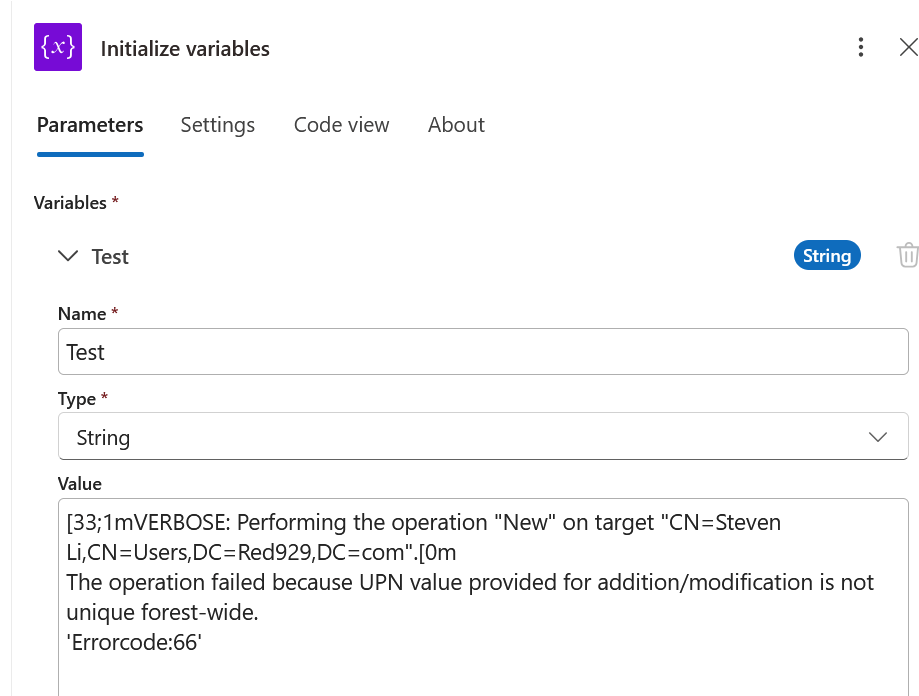
Compose action: Split variable [Test] to look for the first string with single quote ‘ ‘, once it finds the string, the quotes will be removed, leaving only the value.
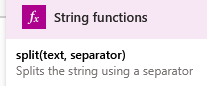
Result:
Example
Get multiple variables and set them into one compose action.
Before
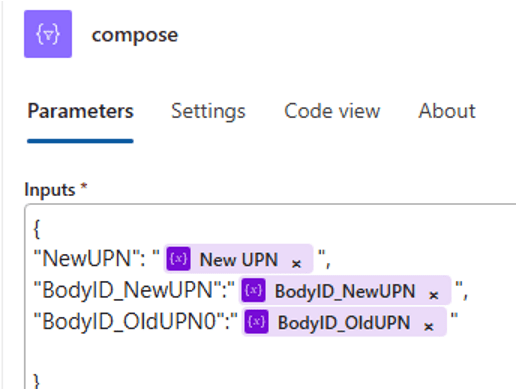
After